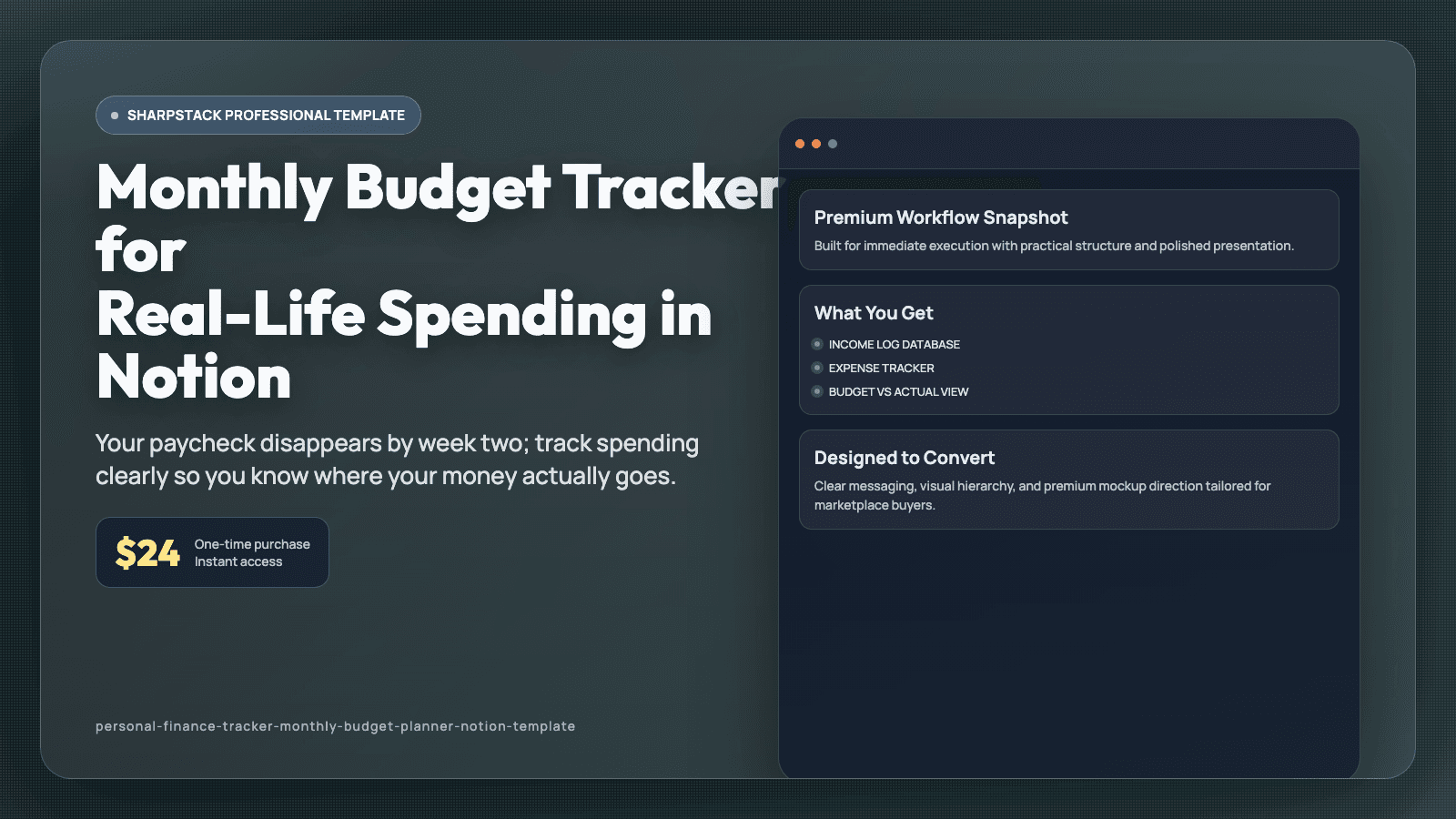
Monthly Budget Tracker for Real-Life Spending in Notion
Your paycheck disappears by week two; track spending clearly so you know where your money actually goes.
Product Details
You get paid, pay a few bills, and promise yourself this month will be different. Then random purchases, subscriptions, and everyday expenses add up faster than expected. By week two, your balance feels lower than it should, but you cannot clearly explain why. You are not reckless. You just do not have one place that shows the full picture in real time.
This Notion template is a personal finance workspace built for normal life, not spreadsheet experts. It includes an Income Log, Expense Tracker, Monthly Budget table, Subscription Watchlist, Debt Payoff tracker, Savings Goals board, and Net Worth snapshot. Each transaction can be tagged by category, account, and payment type so your totals update consistently. You can open one dashboard and see planned vs actual spending without manual guesswork.
Set your monthly category budgets once, then log daily purchases in under thirty seconds with amount, date, and category. Check the Budget vs Actual view to spot overspending early while there is still time to adjust. Track subscription renewals with next charge date and cancel flag so unwanted charges stop slipping through. Use the Debt Payoff tracker to monitor balances and payment progress, then direct extra money toward the right account. Review your monthly summary to see where your habits are helping or hurting your goals.
After thirty days, money decisions feel less emotional because your numbers are visible. You stop guessing and start adjusting quickly when categories run high. Savings goals become more realistic, and debt progress is easier to measure. This helps you feel in control of your month instead of surprised by it. You can start with the ready-made views on day one, then adjust labels and fields as your process evolves. Because related pages are connected, one update remains visible across linked views and prevents duplicate tracking. That means fewer missed details during busy weeks and a routine you can keep using long after setup. A short daily check-in is usually enough to keep priorities clear, even when your week gets noisy. Each database includes practical defaults, so setup takes minutes instead of a full weekend rebuild.
Quick Preview
What You Get
Why Buyers Trust This
FAQ
Related Products
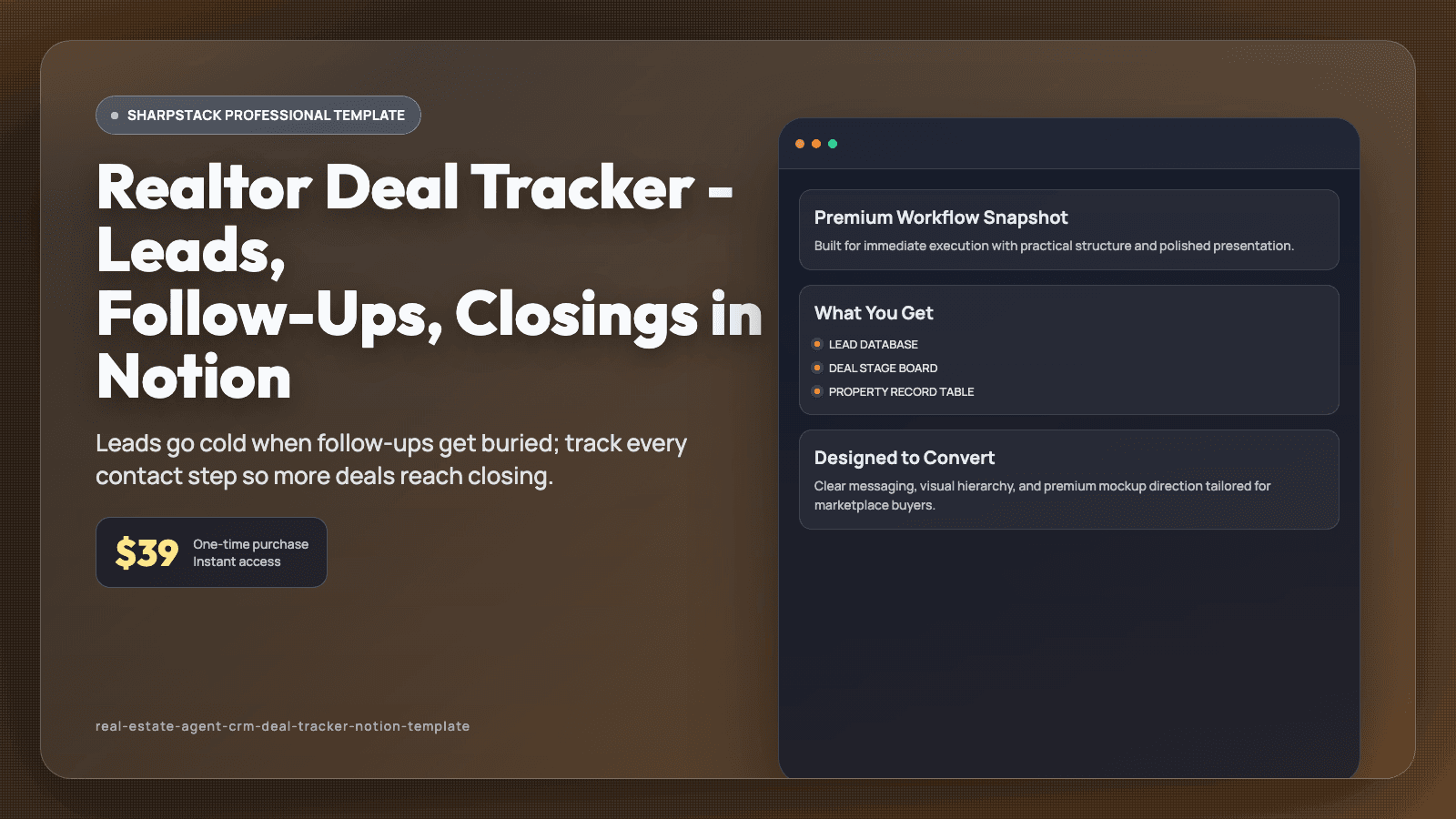
Realtor Deal Tracker - Leads, Follow-Ups, Closings in Notion
Leads go cold when follow-ups get buried; track every contact step so more deals reach closing.
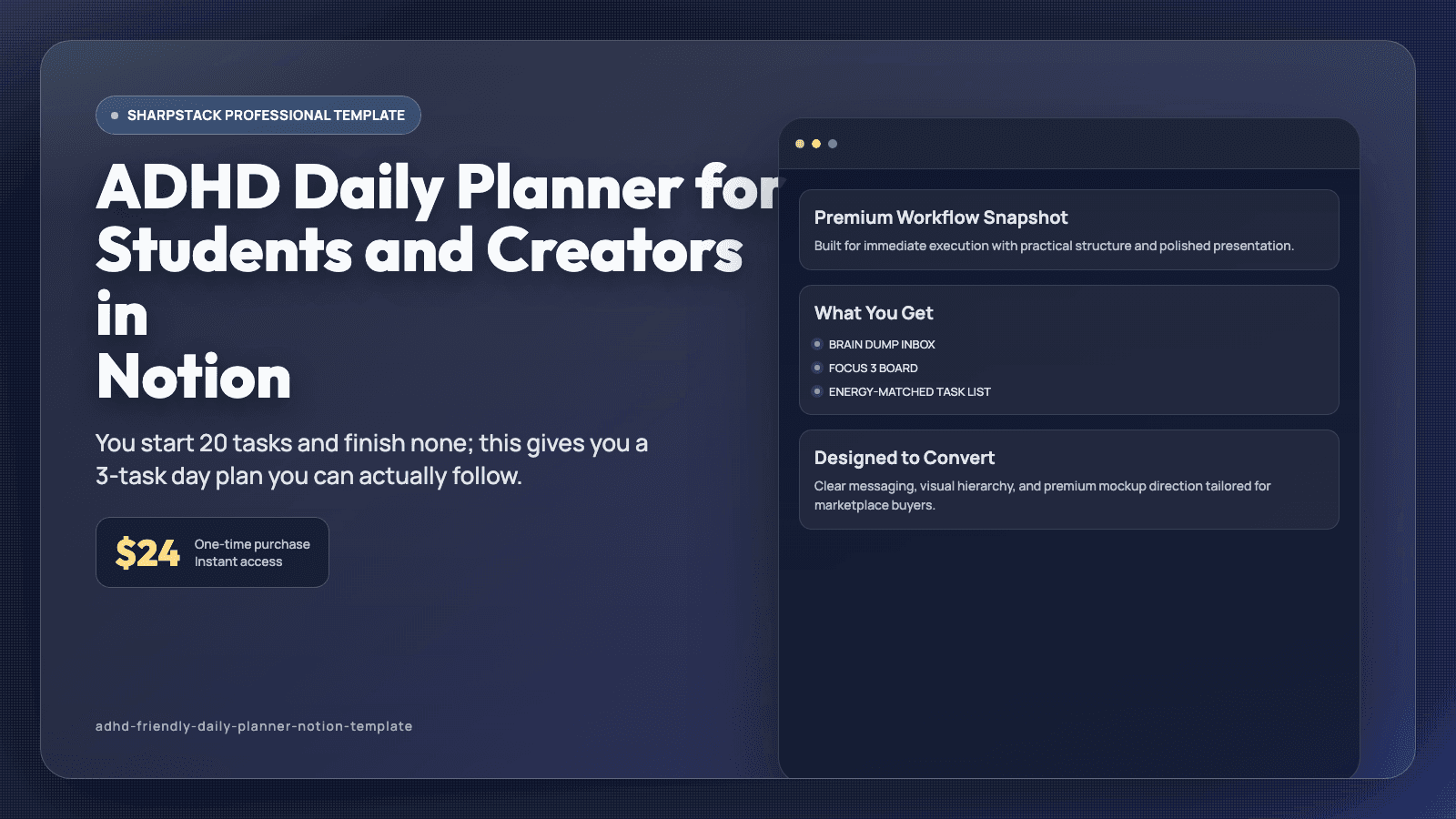
ADHD Daily Planner for Students and Creators in Notion
You start 20 tasks and finish none; this gives you a 3-task day plan you can actually follow.
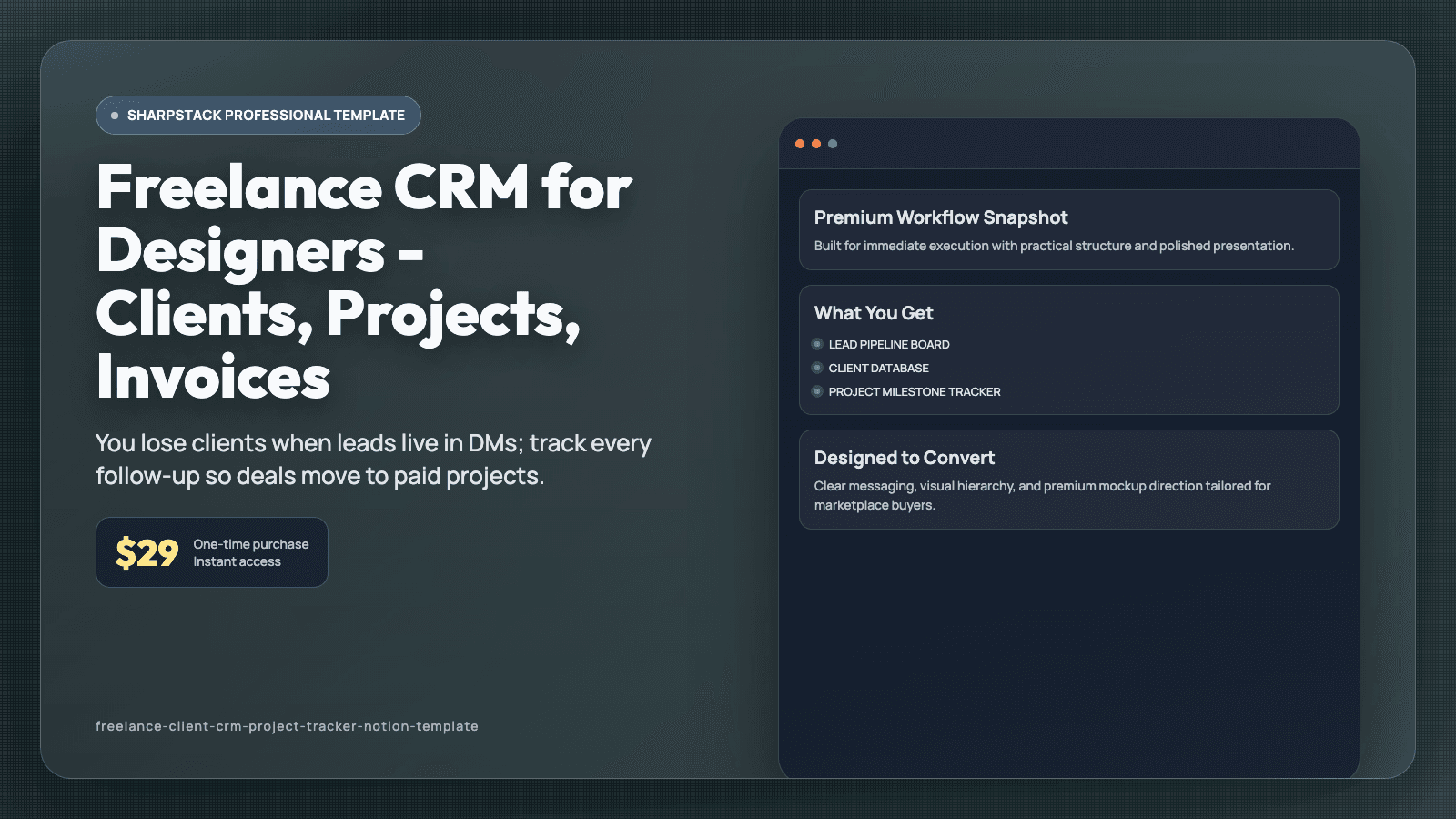
Freelance CRM for Designers - Clients, Projects, Invoices
You lose clients when leads live in DMs; track every follow-up so deals move to paid projects.