S
Loading
Loading
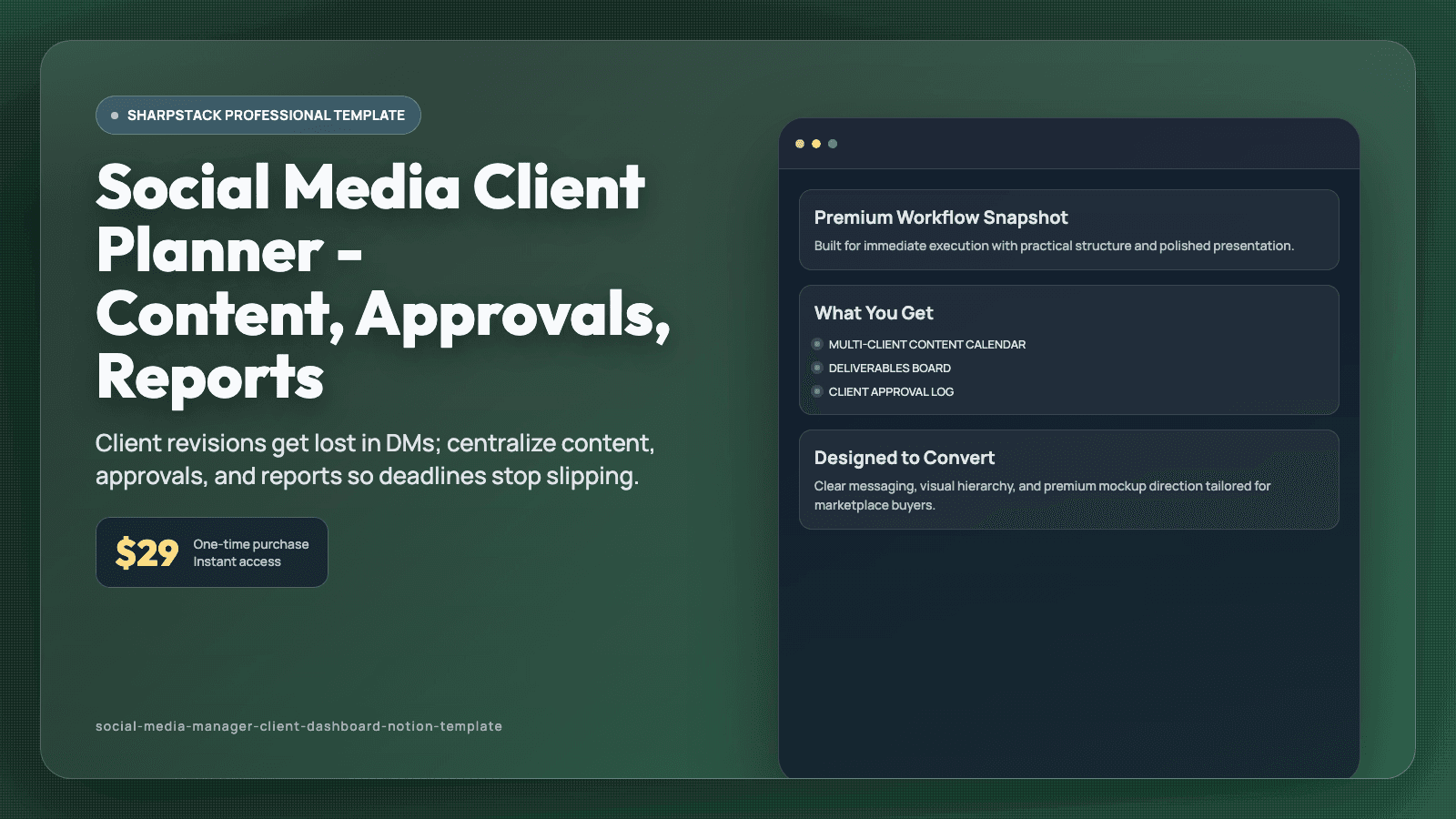
Client revisions get lost in DMs; centralize content, approvals, and reports so deadlines stop slipping.
Managing multiple social clients sounds simple until feedback starts arriving from everywhere. One client comments in email, another sends voice notes in chat, and your content calendar sits in a different app. You spend more time finding the latest version than creating the next post. Deadlines slip, and the week starts feeling reactive instead of planned. That chaos hurts both output and client trust.
This Notion template is a client operations workspace for social media managers and freelance SMMs. It includes a Multi-Client Content Calendar, Deliverables board, Approval Log, Brand Asset library, Revision tracker, and Monthly Report workspace. Every content item is linked to the right client, platform, due date, and approval status. You can open one dashboard and know what needs writing, what is waiting for approval, and what is ready to publish.
Plan posts by client and channel in the calendar, then move each deliverable from Draft to Internal Review to Client Approval to Scheduled. Attach captions, asset links, and creative notes directly inside each content card so nothing gets detached. Log client feedback with timestamp, requested change, and resolution status to stop repeated edit loops. Build monthly reports from saved templates that pull KPI notes, wins, and next-month actions into one client-ready format. Use the Daily Priority view to clear urgent deadlines first.
After thirty days, your week feels more predictable and your handoffs are cleaner. You spend less time searching old chats and more time producing quality content. Clients get clearer updates, approvals happen faster, and missed posts drop. This gives you a process you can rely on as your client load grows. You can start with the ready-made views on day one, then adjust labels and fields as your process evolves. Because related pages are connected, one update remains visible across linked views and prevents duplicate tracking. That means fewer missed details during busy weeks and a routine you can keep using long after setup. A short daily check-in is usually enough to keep priorities clear, even when your week gets noisy. Each database includes practical defaults, so setup takes minutes instead of a full weekend rebuild.
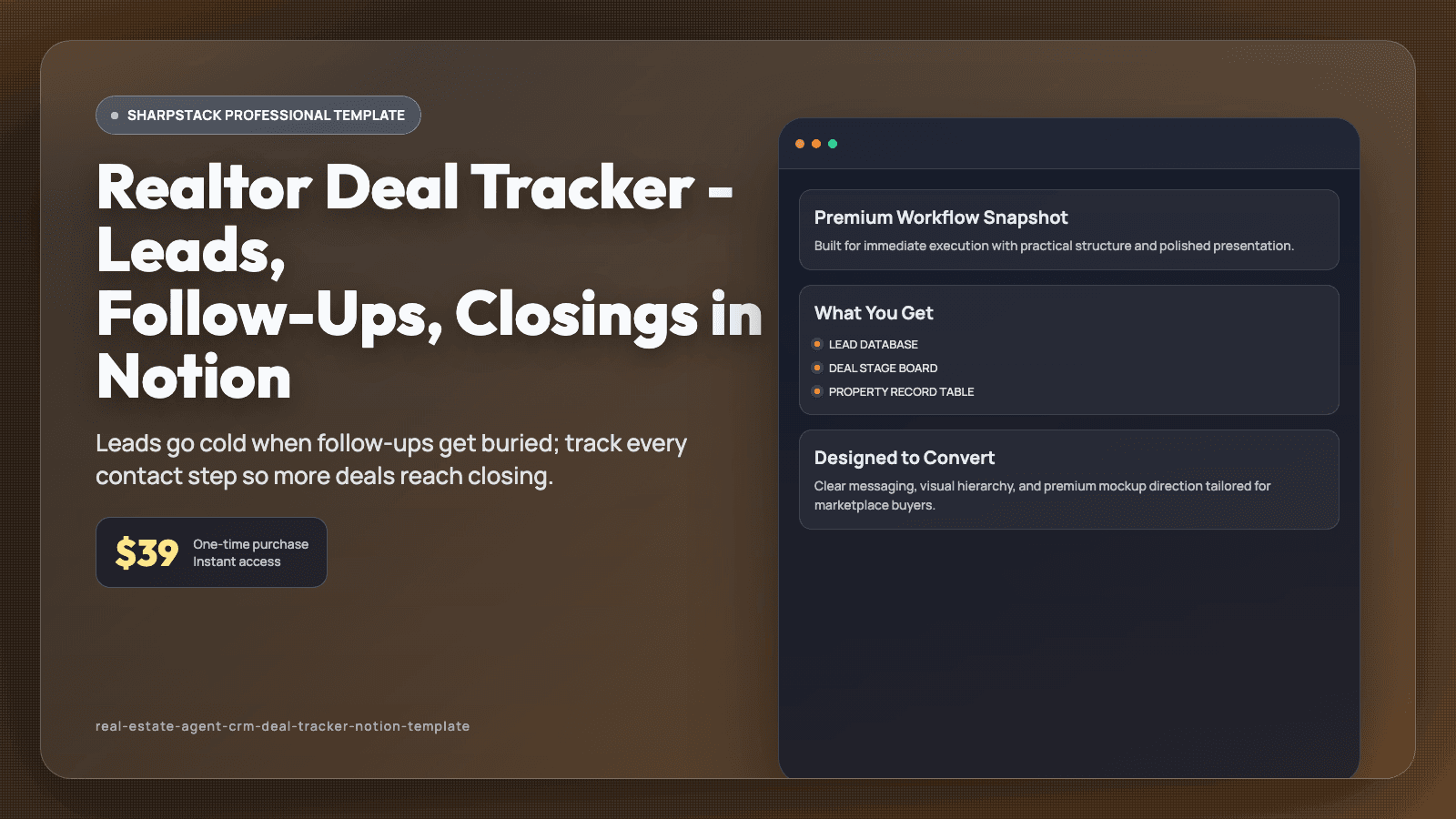
Leads go cold when follow-ups get buried; track every contact step so more deals reach closing.
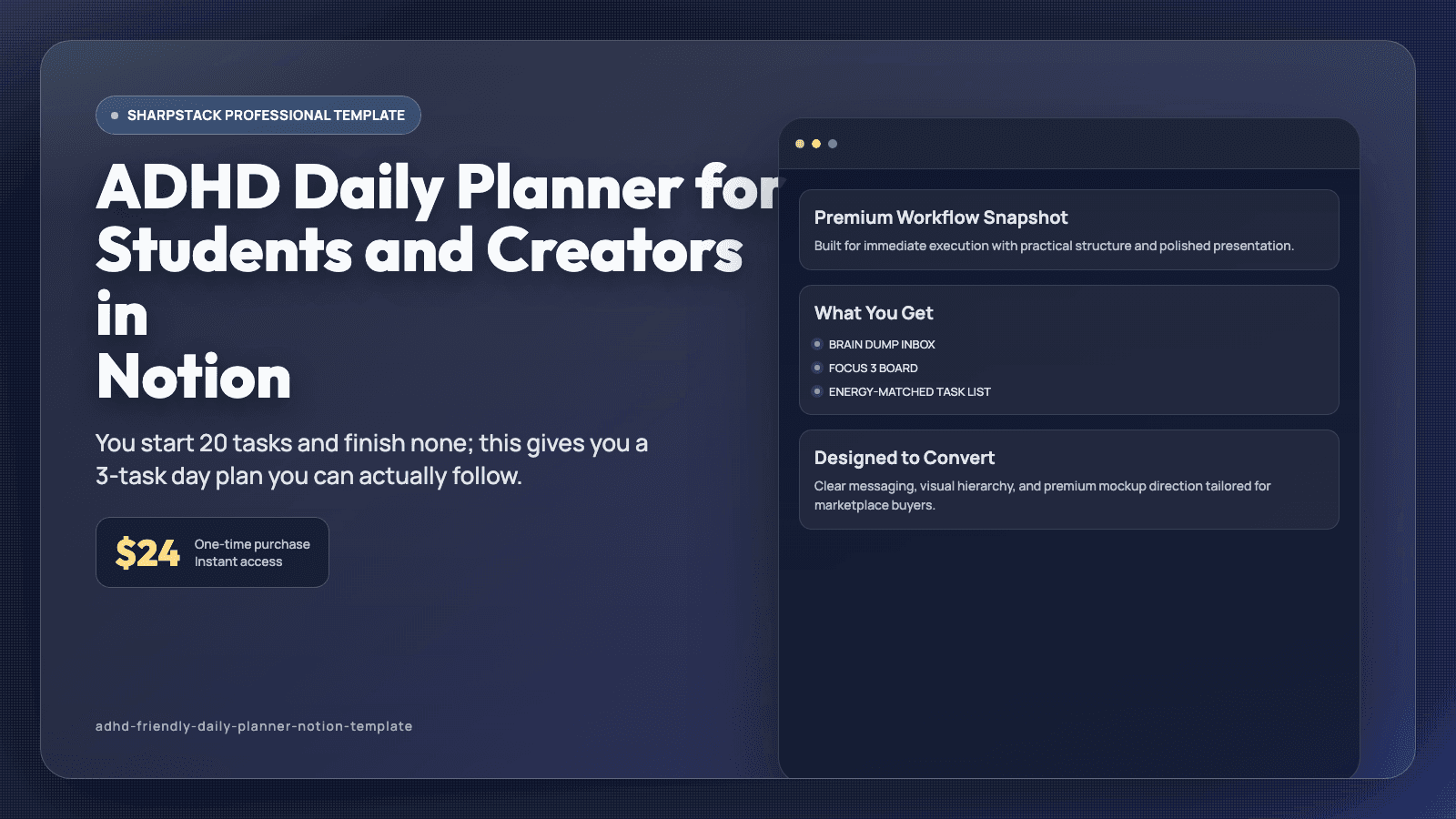
You start 20 tasks and finish none; this gives you a 3-task day plan you can actually follow.
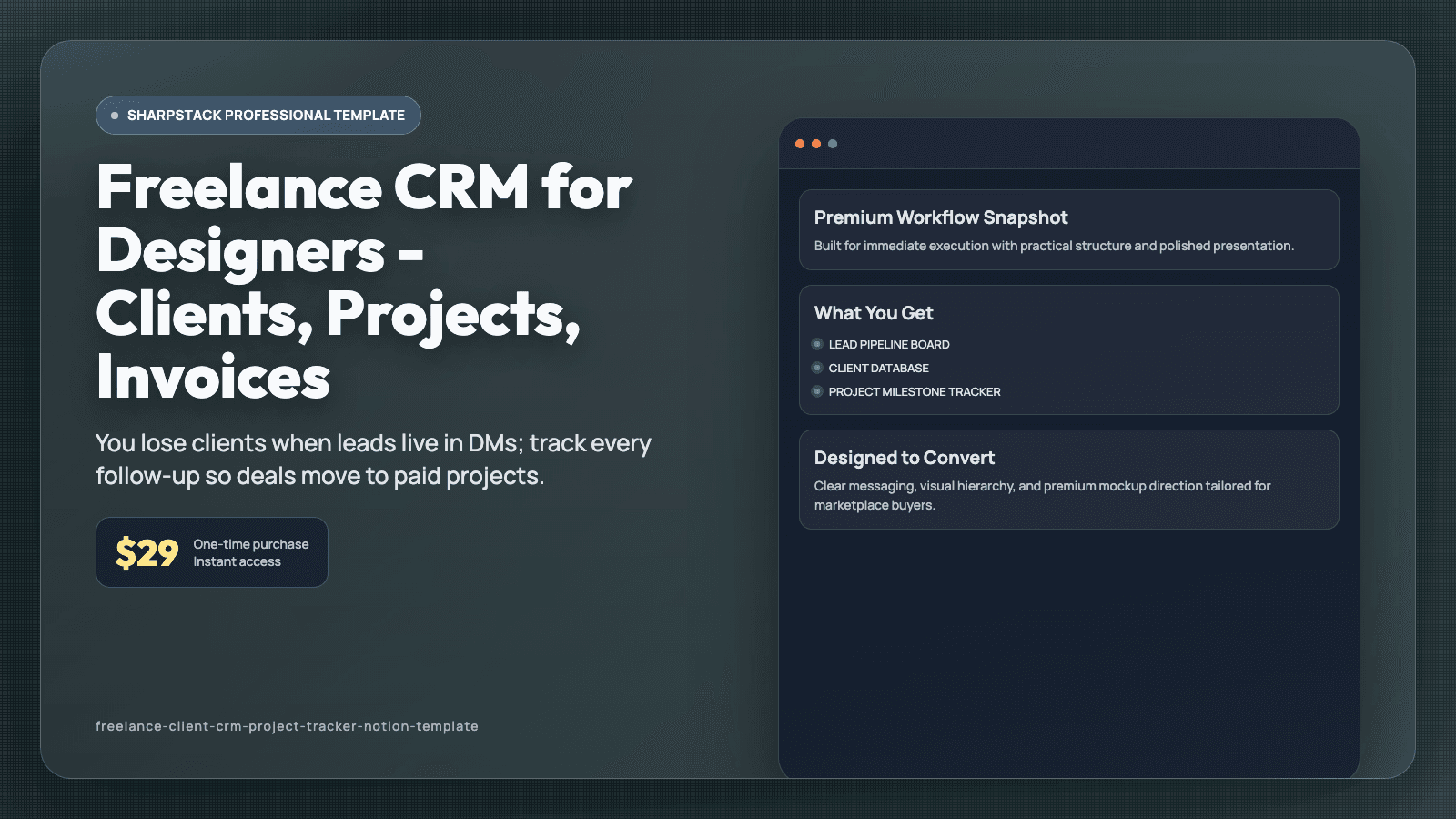
You lose clients when leads live in DMs; track every follow-up so deals move to paid projects.