S
Loading
Loading
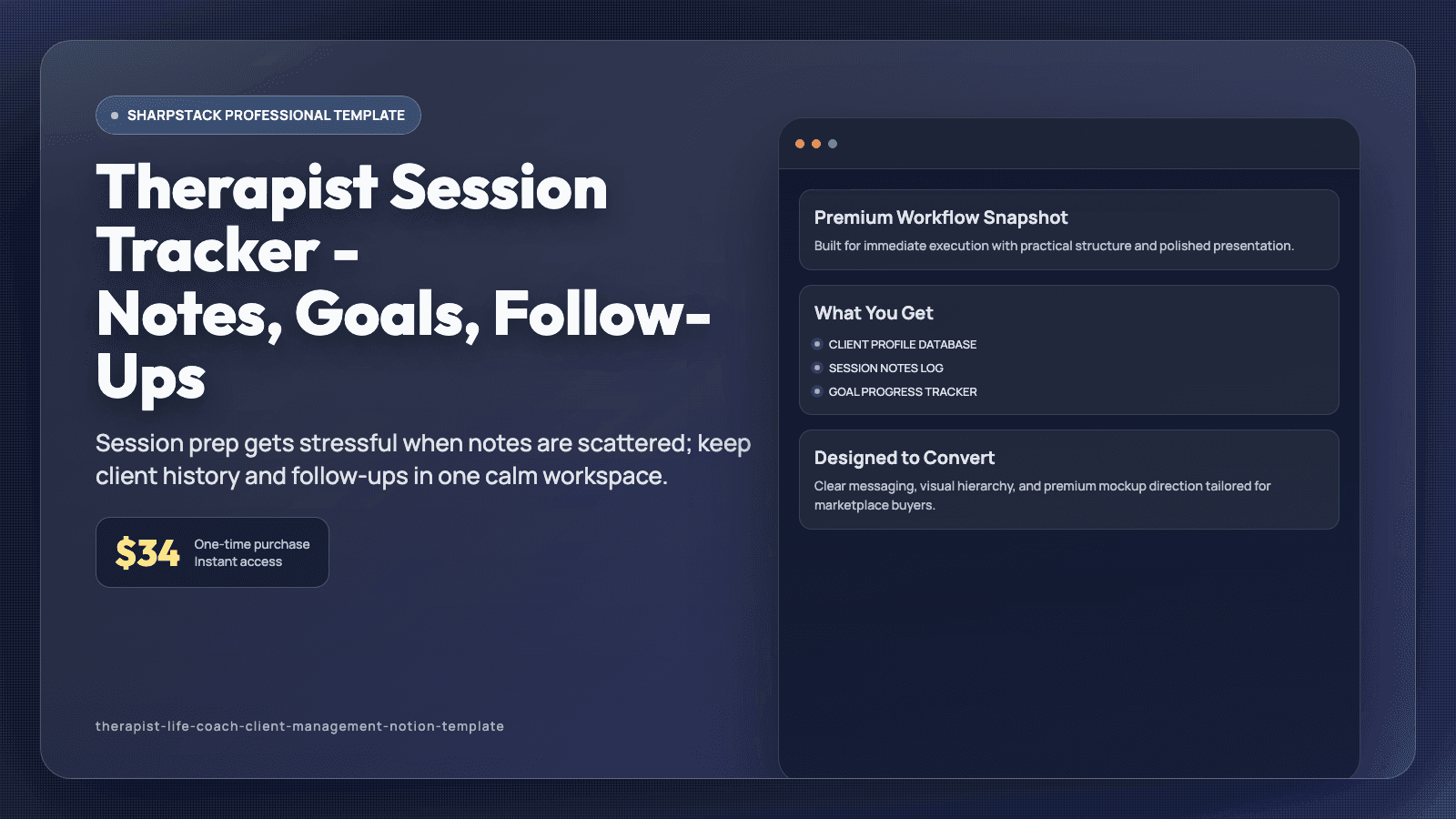
Session prep gets stressful when notes are scattered; keep client history and follow-ups in one calm workspace.
You open your calendar and realize you have back-to-back sessions, but your notes are split across docs, paper pages, and old messages. You spend precious minutes searching for last session takeaways before each call. Follow-up tasks get written down, then forgotten in the rush of the week. By Friday, admin work is draining the energy you need for client care. You need a calmer system, not more tabs.
This Notion template is a client management workspace for therapists and life coaches who run private sessions. It includes a Client Profile database, Session Notes log, Goal Tracker, Follow-Up Task queue, Appointment Calendar, and Billing tracker. Each client record stores key context, active goals, and session history in connected views. The layout is simple on purpose so you can review what matters quickly before each appointment.
Open Today Sessions to see who is coming up, then click into each profile for recent notes and open action items. Record session summaries in a structured note format with date, themes, interventions, and next steps. Update goal progress with status fields so you can spot momentum or plateaus across weeks. Add follow-up tasks with due dates and priority so between-session commitments stay visible. Track invoice status and payment dates in one table to keep admin clear and predictable.
After thirty days, prep time feels lighter because context is one click away. You enter sessions feeling more present, and clients notice the continuity in your support. Follow-up tasks are less likely to disappear, and your weekly admin block becomes easier to manage. This helps protect your attention for care work instead of information hunting. You can start with the ready-made views on day one, then adjust labels and fields as your process evolves. Because related pages are connected, one update remains visible across linked views and prevents duplicate tracking. That means fewer missed details during busy weeks and a routine you can keep using long after setup. A short daily check-in is usually enough to keep priorities clear, even when your week gets noisy. Each database includes practical defaults, so setup takes minutes instead of a full weekend rebuild.
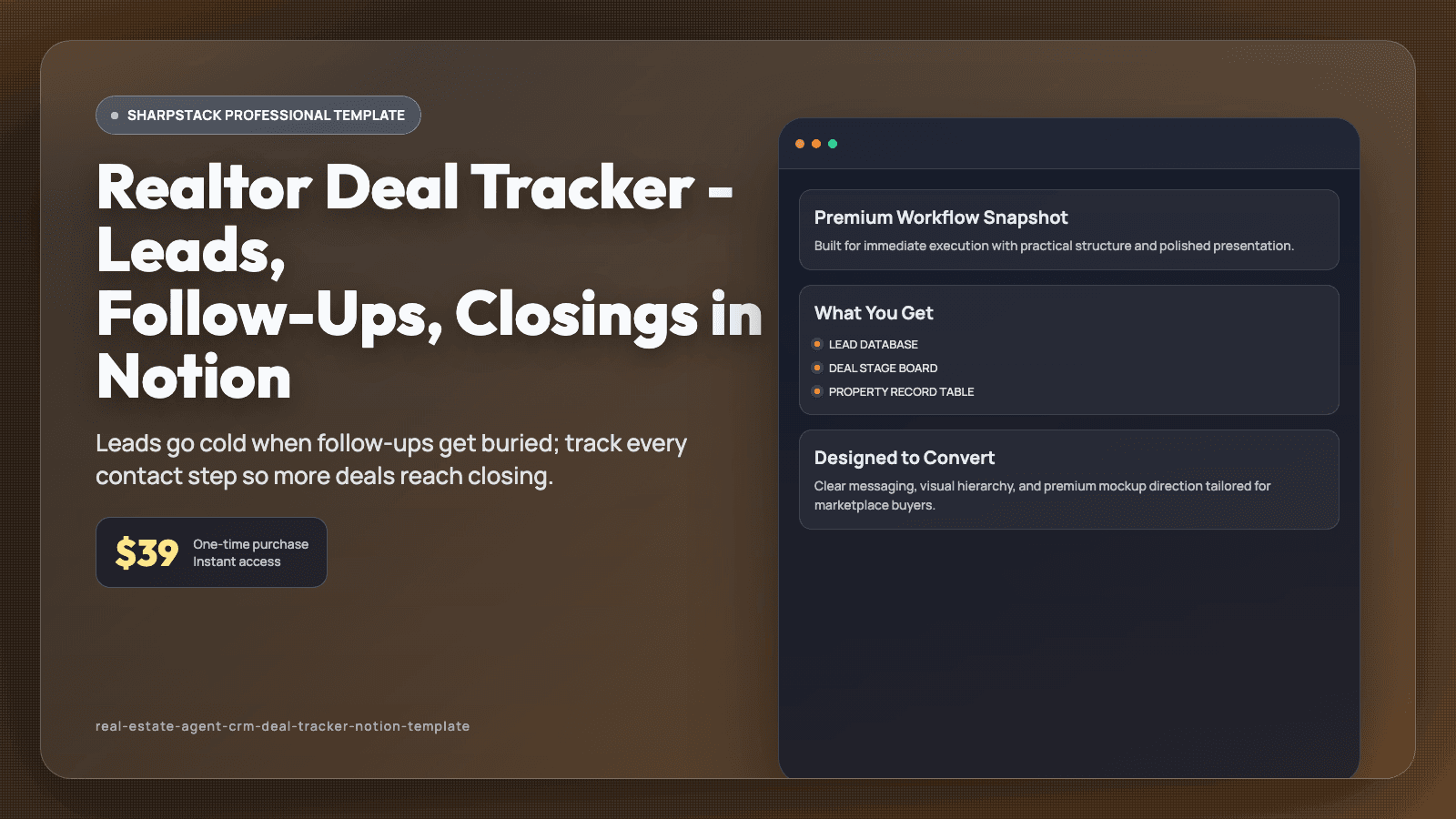
Leads go cold when follow-ups get buried; track every contact step so more deals reach closing.
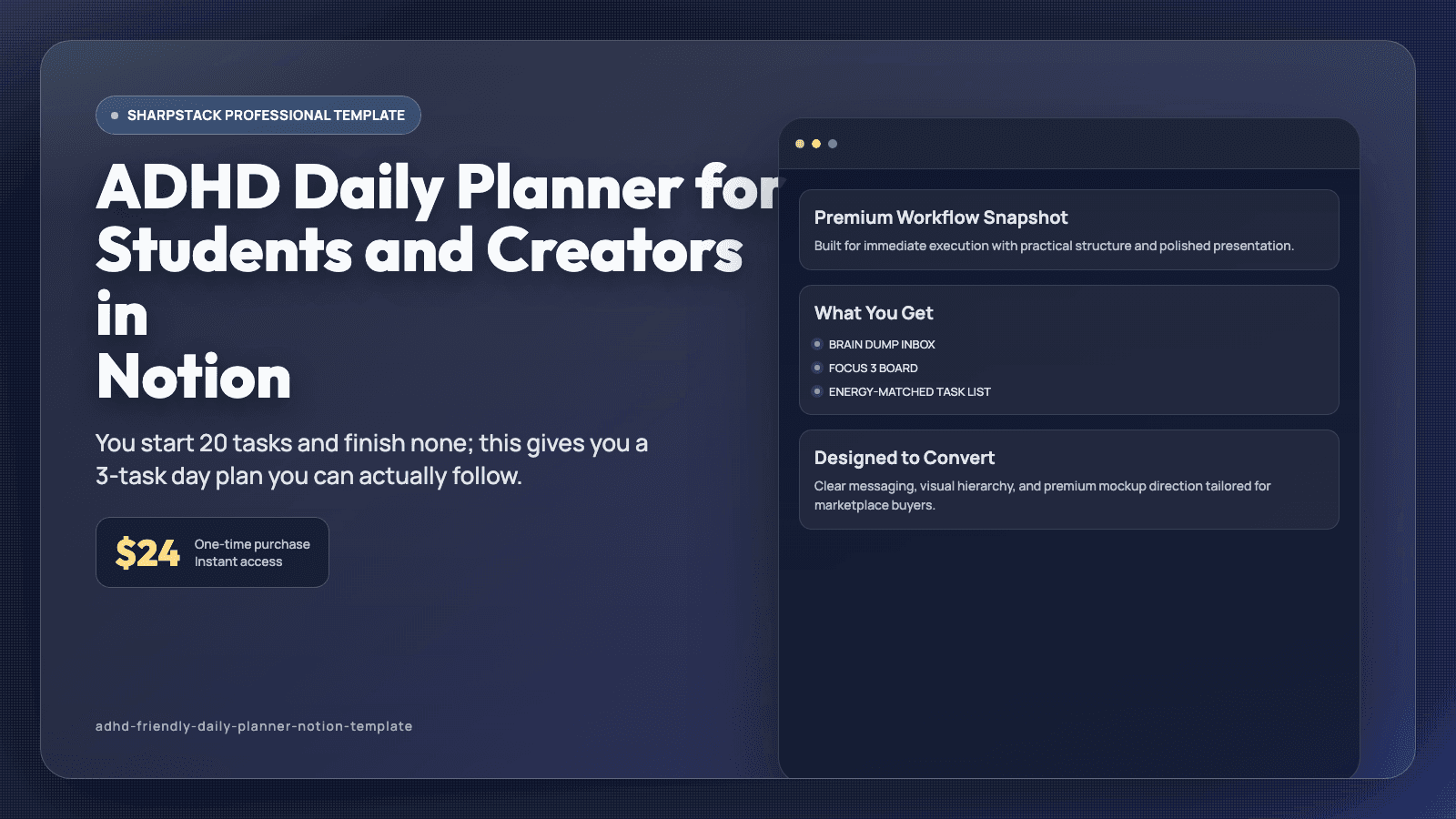
You start 20 tasks and finish none; this gives you a 3-task day plan you can actually follow.
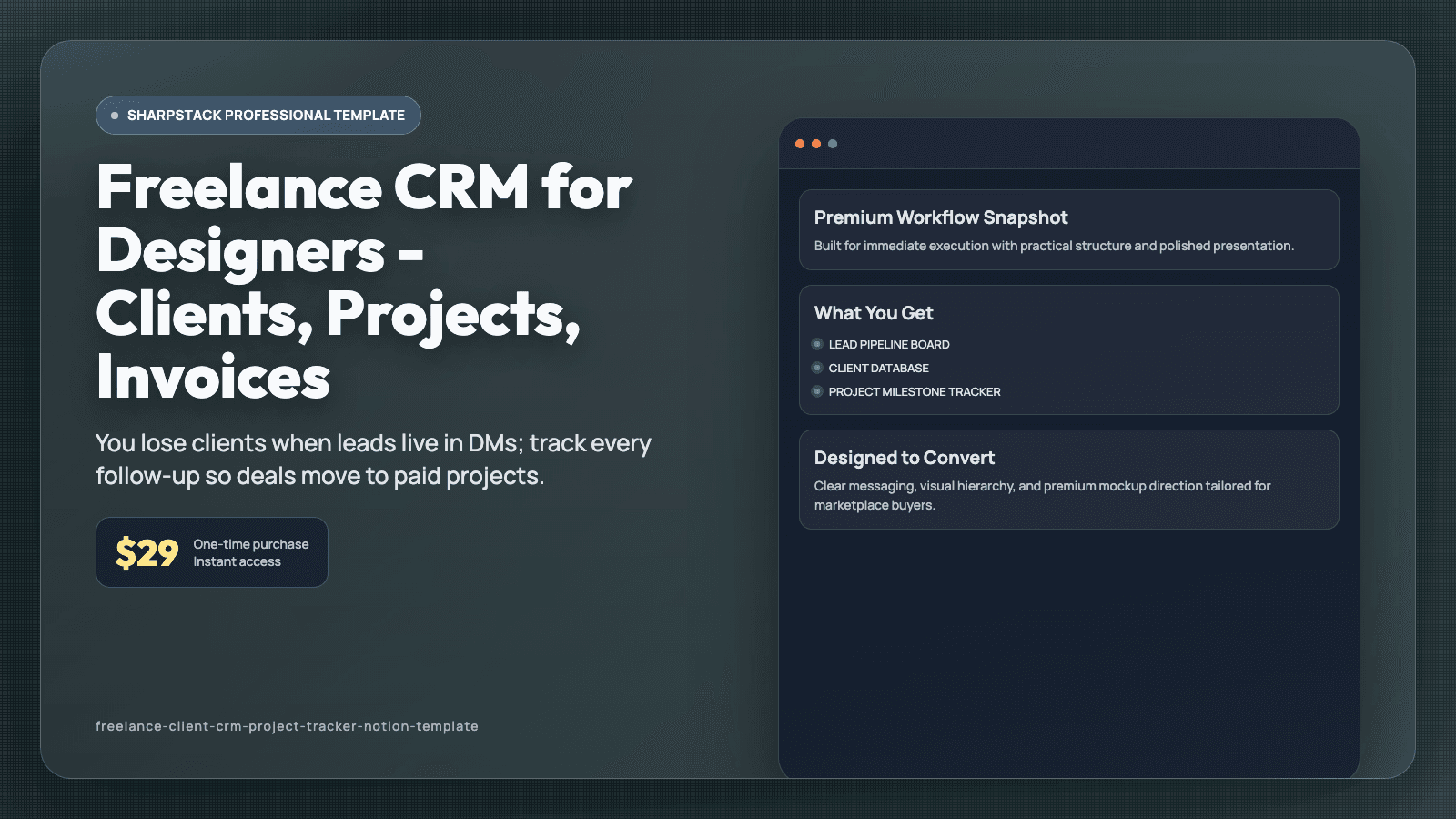
You lose clients when leads live in DMs; track every follow-up so deals move to paid projects.