S
Loading
Loading
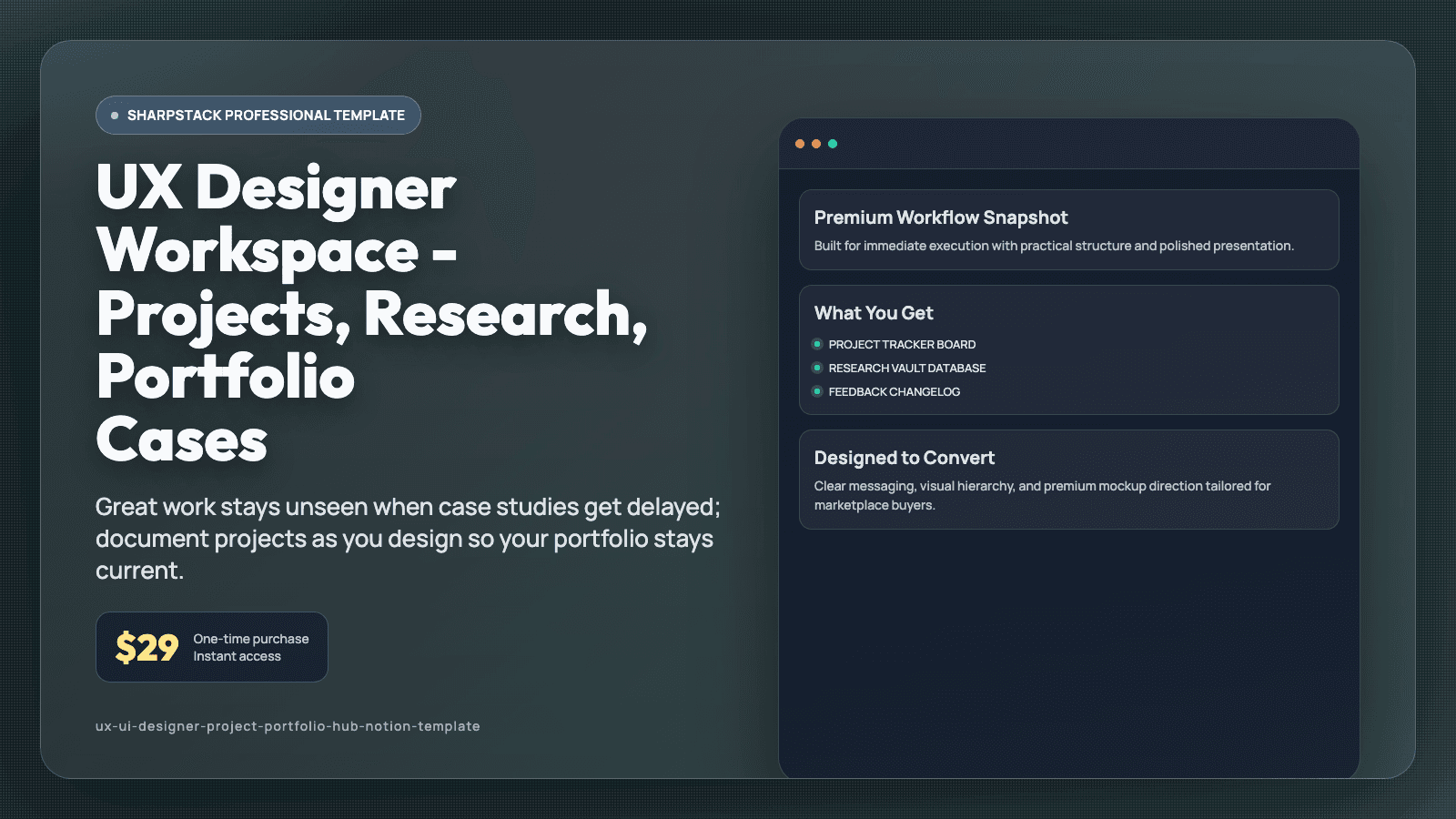
Great work stays unseen when case studies get delayed; document projects as you design so your portfolio stays current.
You complete design projects, but your portfolio still shows old work because case study writing keeps getting pushed back. Research findings are in one doc, stakeholder feedback is in chat threads, and final screens are buried in random folders. When it is finally time to publish, you cannot quickly reconstruct your process story. That delay hurts job applications, freelance proposals, and confidence in your own output. Your work deserves better documentation while it is fresh.
This Notion template is a UX and UI workflow built for designers who want project delivery and portfolio growth to happen together. It includes a Project Tracker, Research Vault, Feedback Changelog, Case Study Builder, Asset Library, and Weekly Design Review dashboard. Each project card connects goals, research notes, design decisions, deliverables, and outcomes in one record. You can move from kickoff to final case study without rebuilding context from scratch.
Create a new project page with timeline, role, and success metrics before design starts. Add interview notes, test findings, and pain-point tags in the Research Vault so insights remain searchable across projects. Log feedback requests with status and decision notes in the changelog to keep revision logic transparent. As milestones are completed, drop screens and rationale into the Case Study Builder sections for Problem, Process, and Outcome. Use the Portfolio Ready view to see which projects are one step away from publishing.
After thirty days, your design workflow feels more intentional because documentation is part of execution, not extra homework. Portfolio updates happen faster, and your project stories become clearer in interviews and proposals. You spend less time hunting old files and more time presenting thoughtful process. This helps your best work stay visible instead of forgotten in archives. You can start with the ready-made views on day one, then adjust labels and fields as your process evolves. Because related pages are connected, one update remains visible across linked views and prevents duplicate tracking. That means fewer missed details during busy weeks and a routine you can keep using long after setup. A short daily check-in is usually enough to keep priorities clear, even when your week gets noisy.
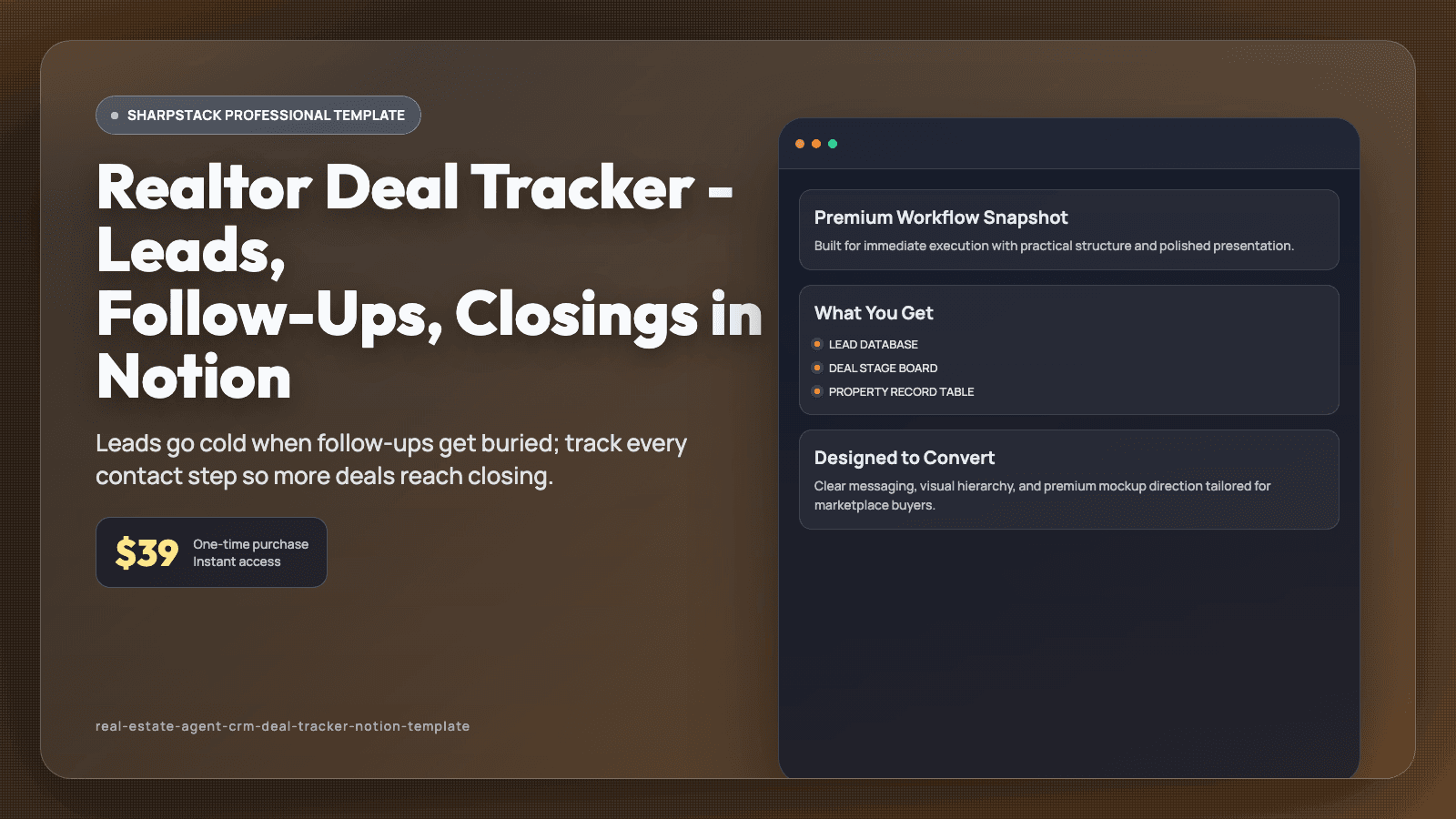
Leads go cold when follow-ups get buried; track every contact step so more deals reach closing.
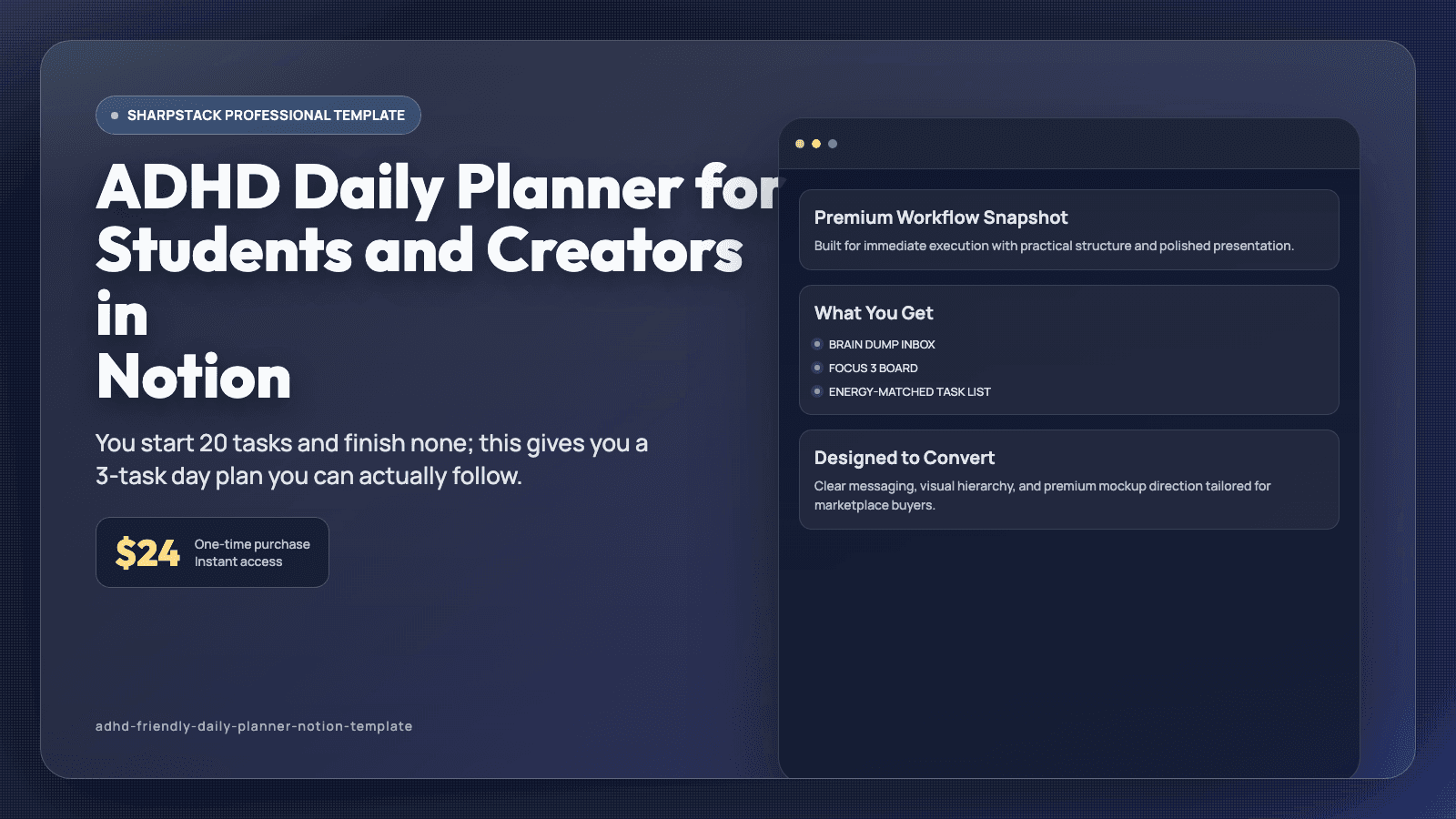
You start 20 tasks and finish none; this gives you a 3-task day plan you can actually follow.
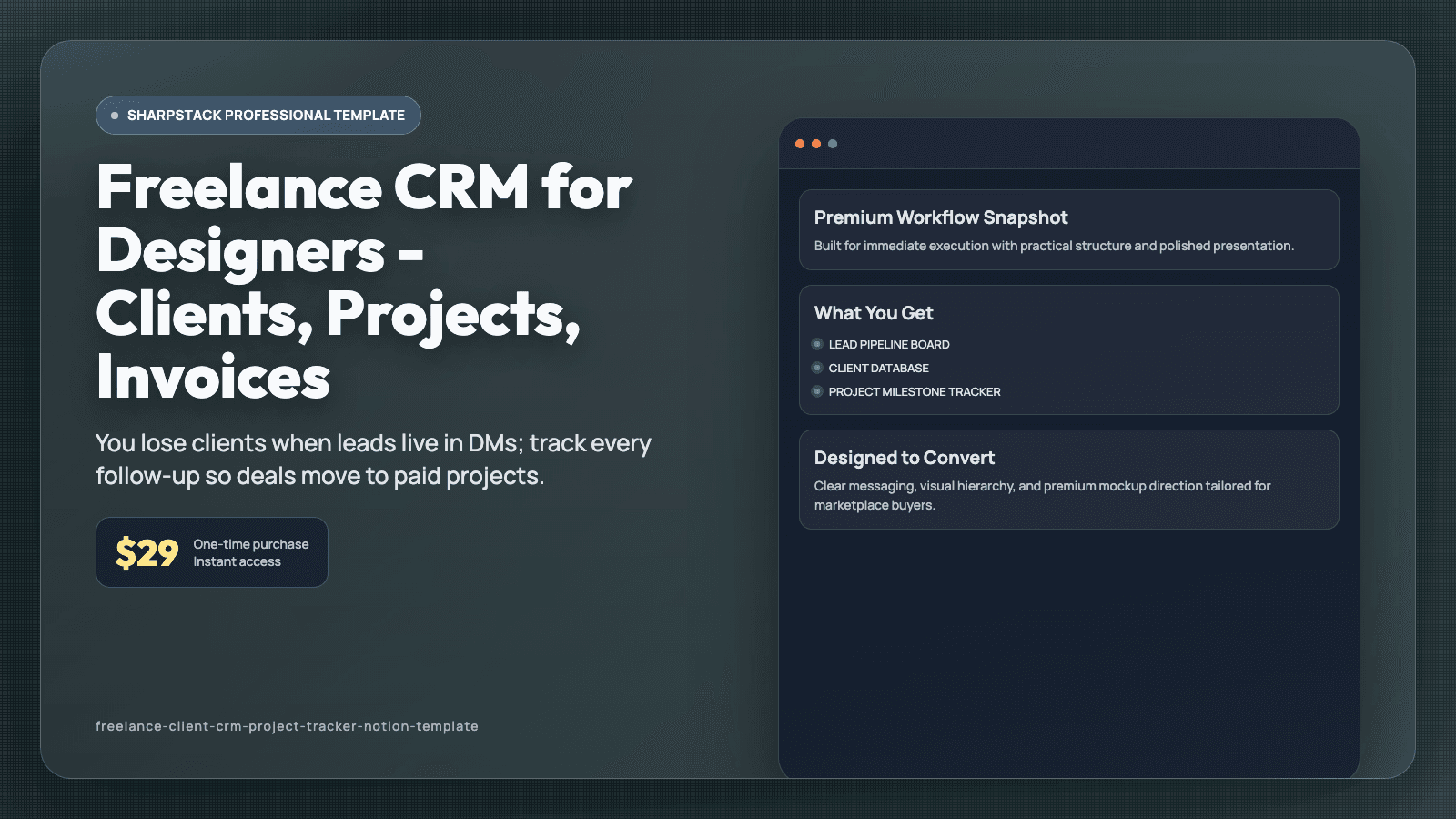
You lose clients when leads live in DMs; track every follow-up so deals move to paid projects.